Finding an accessible public toilet when you need one is more than a convenience — for wheelchair users, people with mobility impairments, those with hidden disabilities, or carers supporting someone with complex needs, it can determine whether a journey is possible at all.
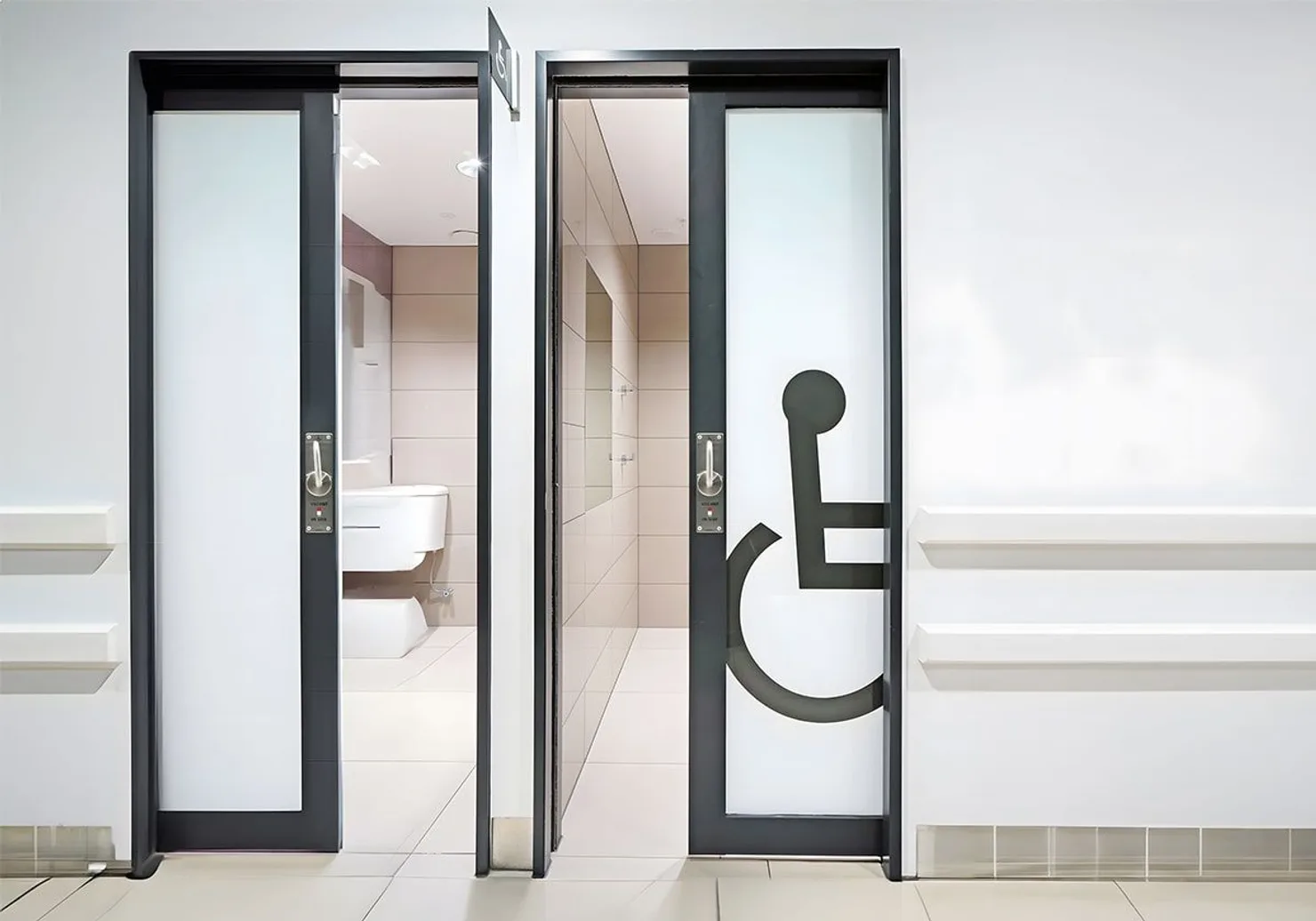
WC Finder includes dedicated accessibility filters that let you search specifically for facilities that meet your needs. This guide explains exactly how to use them, what the filters mean in practice, and how to get the most accurate results wherever you are.
What Accessibility Filters Does WC Finder Have?
WC Finder currently supports two primary accessibility filters for finding accessible toilets:
Wheelchair Access indicates that the toilet facility is reachable without steps or barriers — this includes ramped or level access to the entrance and adequate space to manoeuvre a wheelchair inside.
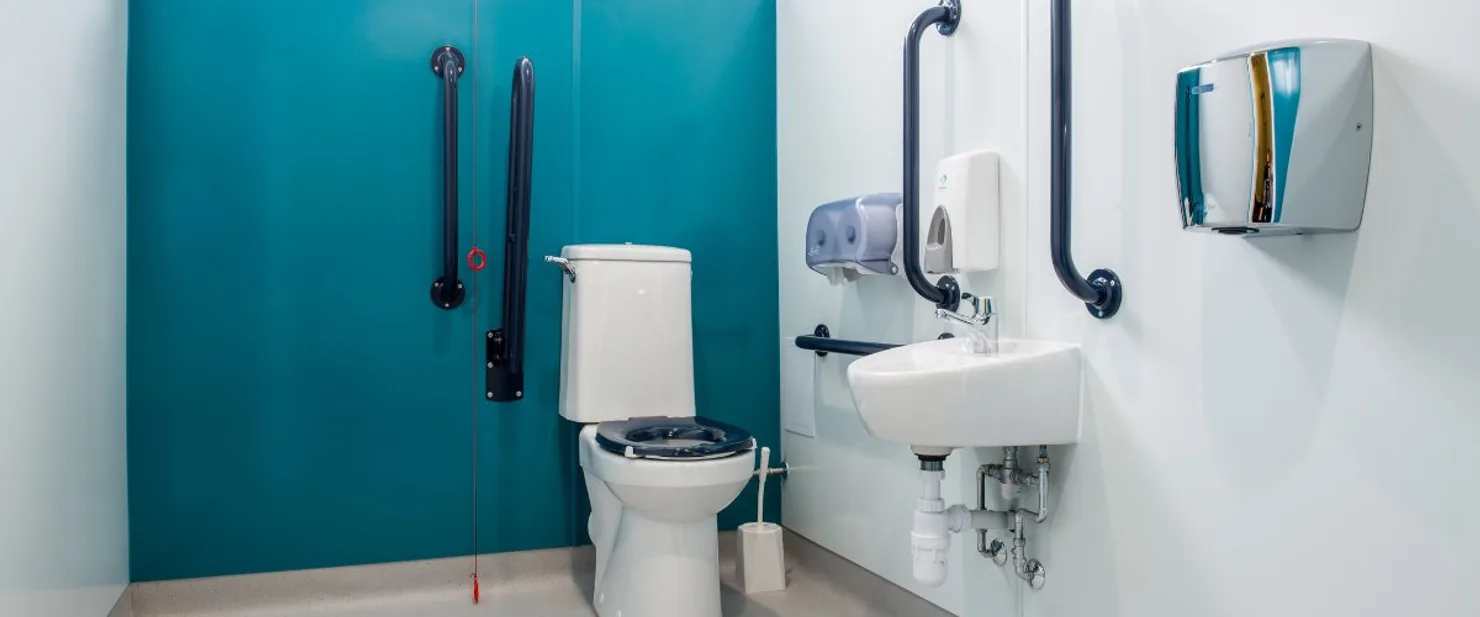
Disabled Stall means the facility contains at least one enlarged cubicle designed for wheelchair users, typically with grab rails and enough turning space for a wheelchair. Not all wheelchair-accessible facilities have a dedicated disabled stall, so you can use both filters together for the highest confidence.
Step-by-Step: Finding Accessible Toilets
- Open WC Finder and allow location access when prompted. The app will centre the map on your current position and show nearby toilets as pins.
- Tap the Filter button at the top of the map screen (the icon with horizontal sliders). This opens the filter panel.
- Under Facilities, tap Wheelchair Access to enable this filter. The map will update immediately to show only facilities tagged with wheelchair access.
- If you also need a dedicated disabled stall, tap Disabled Stall as well. Enabling both filters shows only facilities that have been confirmed to have both.
- Tap any pin on the map to see the full listing — including photos, opening hours, pricing, and user reviews. Pay attention to recent reviews for the most up-to-date condition information.
- Tap Directions on the listing to open navigation in your preferred maps app.
Always read the most recent review for an accessible facility. Physical accessibility can change — grab rails get removed, lifts break, ramps get blocked. A review from last month is far more reliable than the original listing data.
Understanding What the Tags Actually Mean
It's important to understand that WC Finder's data is community-contributed. This means the tags are added by real users who have visited the facility — which makes the data more current and honest than many official sources, but also means interpretation can vary.
Wheelchair Access
In WC Finder, a listing tagged Wheelchair Access means the person who added or reviewed it confirmed that a wheelchair user could reach and enter the facility. This typically means:
- No steps at the entrance (or a working ramp)
- Doorway wide enough for a standard wheelchair (generally 80cm+)
- A path from the street or car park to the entrance that is paved and even
It does not always guarantee that the interior layout is fully suitable — which is why the Disabled Stall tag is important for confirming the cubicle itself.
Disabled Stall
A listing tagged Disabled Stall means there is at least one cubicle specifically designed for disabled users. This typically means:
- Enlarged cubicle with space to transfer from a wheelchair
- Grab rails or handrails present
- Lowered fixtures where applicable
If you use an accessible facility and find that the tags are inaccurate — for example, the ramp is broken or the disabled stall no longer exists — please edit the listing in the app. Your correction helps every future user who needs it most.
Using the Nearby List View for Accessibility Planning
The map view is great for spontaneous searches, but WC Finder also has a Nearby list view that can be more useful for planning a day out or a route in advance:
- Tap the Nearby tab at the bottom of the screen. This shows all accessible toilets within your search radius, sorted by distance.
- Apply the Wheelchair Access and Disabled Stall filters as described above.
- The list shows each toilet's distance, rating, and key features at a glance — letting you quickly compare your options and identify the nearest suitable facility.
- Tap any listing to see full details including photos (useful for checking the actual physical setup), opening hours, and user comments.
Contributing Accessible Toilet Listings
WC Finder's accessibility data is only as good as the community that contributes to it. If you're a wheelchair user, a carer, or simply someone who notices an accessible facility that's not in the database, adding it takes about two minutes and makes a real difference.
When adding a listing, you can tag:
- Wheelchair Access — if the facility is reachable without barriers
- Disabled Stall — if there is a dedicated accessible cubicle
- Any other relevant features: baby changing, soap, hand dryer, gender-neutral
- Opening hours, price, and payment methods
- Photos of the exterior and interior — especially valuable for accessibility assessment
Exterior photos showing the entrance, any steps or ramps, and the doorway width are particularly helpful for wheelchair users assessing whether a facility is truly usable.
Hidden Disabilities and WC Finder
Not all accessibility needs are visible. People with Crohn's disease, colitis, IBS, interstitial cystitis, and other conditions may need urgent and frequent toilet access regardless of mobility. WC Finder helps in several ways:
- The nearest public toilet search is instant — no scrolling, no loading
- Filtering by Free removes the anxiety of searching for change in an emergency
- Opening hours data prevents arriving at a locked facility
- User reviews often mention specific factors like queuing times and the number of cubicles available
In many countries, people with hidden disabilities can obtain a RADAR key (UK) or equivalent that unlocks accessible toilet facilities reserved for disabled users. These facilities are often the cleanest and least busy — and most are tagged in WC Finder under Disabled Stall.
How to Get the Best Results
A few practical tips to maximise WC Finder's usefulness for accessible toilet searches:
- Search before you travel. Browse the map for your destination before leaving home and identify two or three confirmed accessible facilities along your route.
- Read reviews, not just tags. The tag tells you it should be accessible; a recent review tells you whether it currently is.
- Check the photos. A photo of the entrance or interior can tell you more in two seconds than any written description.
- Report inaccurate listings. If a facility's accessibility tags are wrong, edit them. The community depends on accurate data.
- Add missing places. If you find an accessible facility not in the database, add it — with photos if possible.
Find accessible toilets near you
Download WC Finder — free, with wheelchair and disabled stall filters built in.
Summary
WC Finder's accessibility filters — Wheelchair Access and Disabled Stall — let you search specifically for facilities that meet your needs, wherever you are in the world. The data is community-contributed, which means it reflects real, current conditions rather than official information that may be years out of date.
If you rely on accessible toilets for your daily life, WC Finder is built for you. And if you can contribute by adding, reviewing, or correcting accessible toilet listings in your area, you're directly helping others who depend on that information just as much as you do.